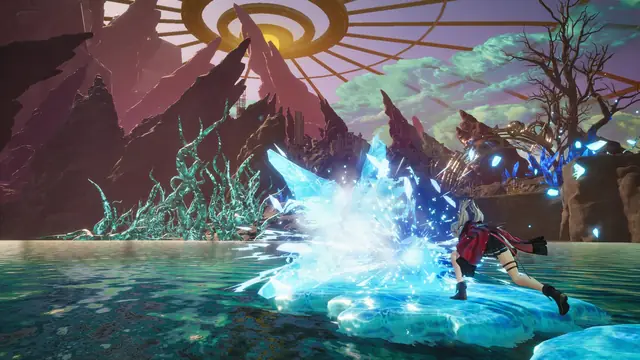
After the November 6, 2026 update (Japan time), Steam asked for 366.56 GB of free space to install NieR: Automata. Square Enix confirmed the installation bug and says you can install the base game by temporarily disabling its DLC.
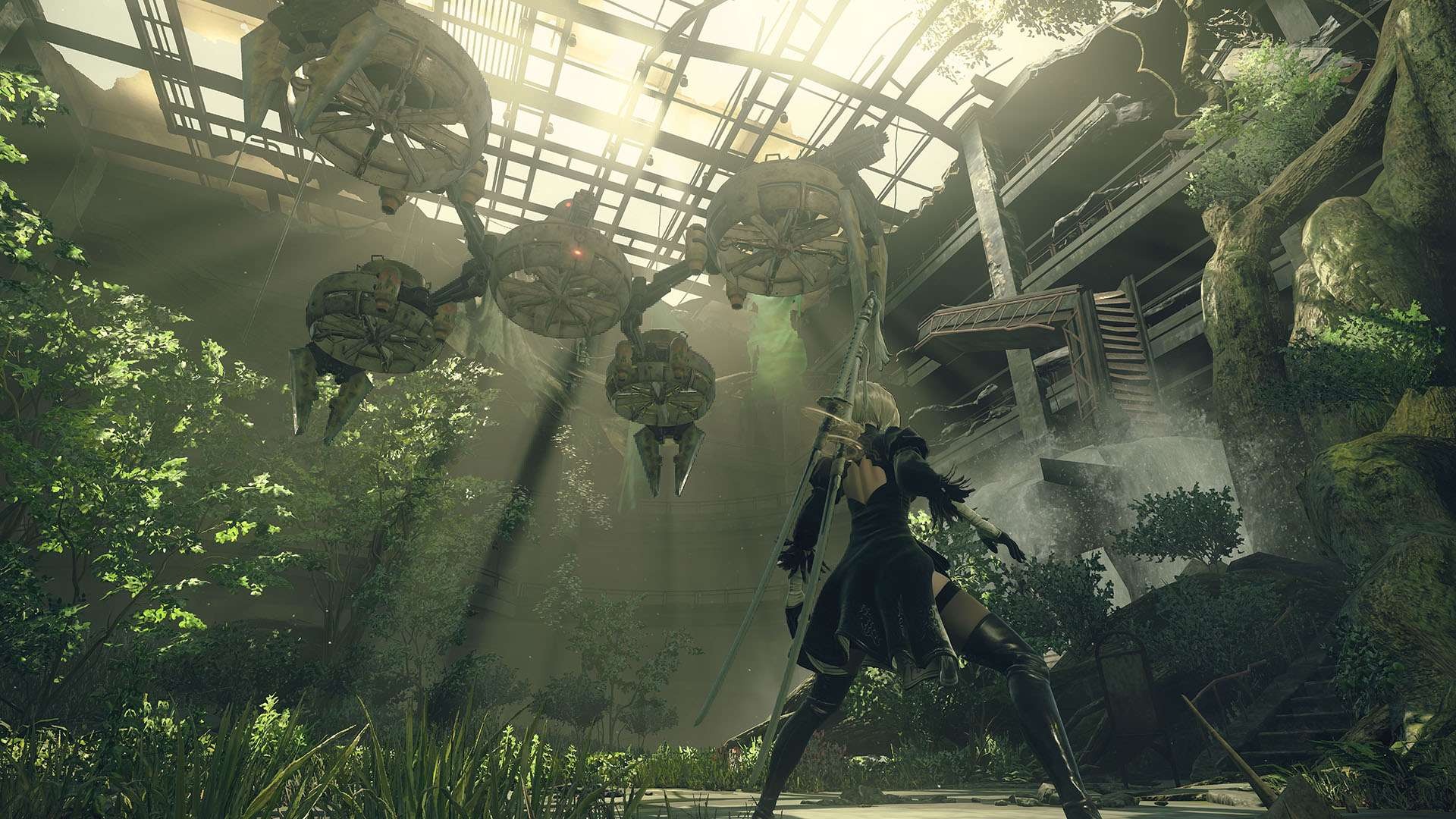
Where did the 366 GB figure come from?
GamesRadar+ saw Steam request 366.56 GB of free space when it tried to reinstall the game. The game’s Steam store page still lists 50 GB of available space under both its minimum and recommended system requirements.
The November 6 update added Simplified Chinese, Traditional Chinese and Korean support for the interface and subtitles. As of November 8, Square Enix was still investigating the cause and had given no date for a fix.
How can you install the game now?
Right-click NieR: Automata in your Steam library, open Properties → DLC, then untick each item and try installing again. Square Enix says this lets you download the base game with the intended storage requirement. Steam will skip the DLC you unticked during that install.
Sources: Steam announcement and patch notes · Steam system requirements and language listings · GamesRadar+’s reinstall test · Image from Square Enix.